Stop using “being busy” to cover up inefficiency. Real productivity means letting AI handle repetitive tasks so you can focus on creating value.
Have you ever experienced this?
You sit at your desk, staring at a screen full of to-dos, and your mind whispers only one thing:
“There’s no way I can finish all this today.”
Content creation, client follow-ups, social media, data analysis…
Tasks stack up like a snowball rolling downhill. But the truth is:
You don’t need to work harder—you need smarter tools.
Over the past year, I’ve personally tested hundreds of AI products and finally narrowed them down to 7 tools—no hype, no gimmicks. These tools can realistically save you 1–2 hours every day. Even better, they can be connected into an automated workflow that transforms you from a “firefighter” into a strategic operator.

1. Browse AI — Your Invisible Intern for Data Collection
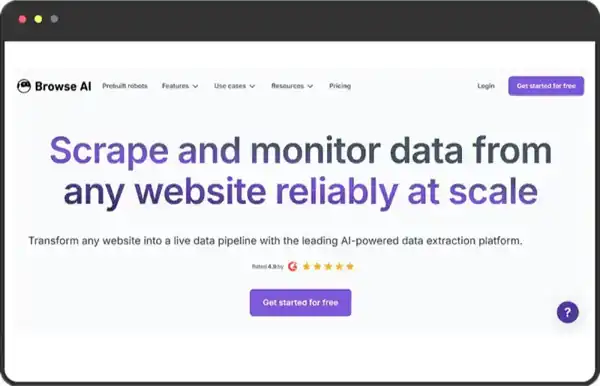
Still copying data from web pages manually?
Browse AI can automatically extract information from almost any site, even dynamic content behind logins.
✅ Key Advantages:
- No coding required—set up scrapers with visual actions
- Supports scheduled automation (e.g., monitor competitor prices daily)
- Export data to Google Sheets, CSV, or via API
💡 Real Use Case:
A marketing team uses it to monitor promotions from 50 competitors every day, saving 6 hours of manual work.
Best for: operations, analysts, e-commerce professionals—anyone tired of repetitive Ctrl+C / Ctrl+V tasks.
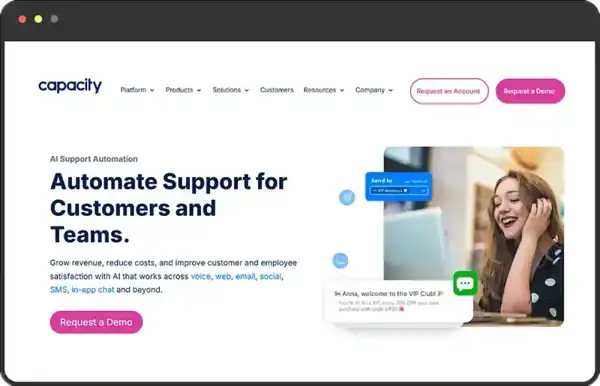
2. Capacity — Your Second Brain
“Where’s that client proposal stored?”
“What’s our reimbursement process again?”
Capacity centralizes all company knowledge and answers employee questions with natural language—like a veteran coworker who’s online 24/7.
✅ Highlights:
- Automatically indexes documents, FAQs, training materials
- Works directly inside Slack/Teams
- Permission control ensures sensitive data stays secure
Best for: remote teams, fast-growing startups—cut down repeated Q&A and improve collaboration.
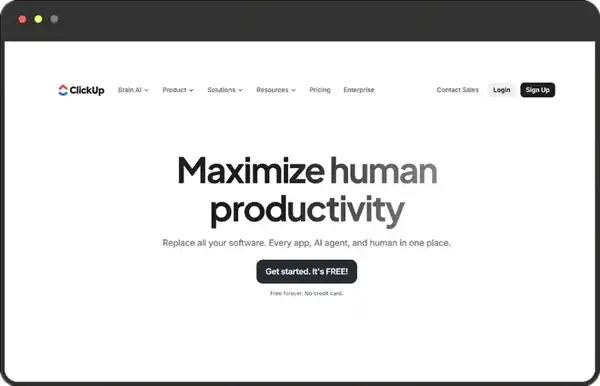
3. ClickUp — Manage All Your Work in One Place
Tasks scattered across email, spreadsheets, and chat apps?
ClickUp unifies projects, documents, goals, and time tracking—and its AI can even generate weekly summaries.
✅ Why It Stands Out:
- Flexible views: board, list, calendar, Gantt
- AI assistant breaks down tasks and suggests priorities
- Powerful free plan
Best for: project managers, freelancers, cross-functional teams—the ultimate chaos eliminator.
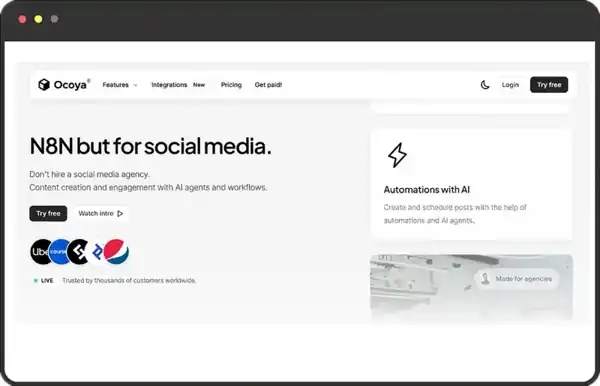
4. Ocoya — Social Media on Auto-Pilot
Posting, copywriting, tagging, analyzing… running social media often feels like doing five jobs at once.
Ocoya lets you generate multi-platform content and schedule it with AI—fast.
✅ Practical Features:
- Enter keywords → AI produces Instagram/LinkedIn/TikTok captions
- Built-in trending hashtags + best posting time suggestions
- Analytics for engagement, clicks, and more
Best for: personal brands, small businesses, creators—stay consistent without burning out.
5. Durable — Build a Professional Website in 30 Seconds
No technical background? No problem.
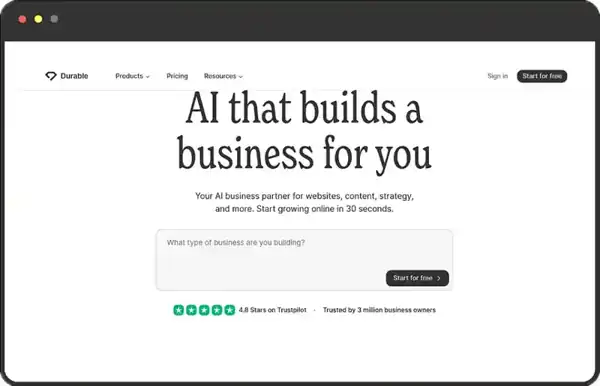
Durable generates a full website—including copy, images, and contact forms—based on a single description (e.g., “Yoga instructor”).
✅ Ready From the Start:
- Includes domain, hosting, SSL
- Auto-generated pages: “About Us,” “Services,” etc.
- Built-in customer management and basic CRM
Best for: freelancers, local businesses, early-stage startups—launch an online presence instantly.
6. Flowrite — Your Email Superpower
Struggling with a blank email draft?
Flowrite turns a few bullet points (e.g., “thank you, contract attached, please confirm”) into a polished, professional email.
✅ A Detail-Lover’s Dream:
- Adjustable tone: formal / friendly / urgent
- Learns your writing style over time
- Chrome extension for Gmail & Outlook
Best for: sales, HR, customer success—write 20 fewer emails a day and enjoy two more cups of coffee.
7. Instantly.ai — Make Cold Emails Warm
Over 90% of cold emails are ignored or sent to spam.
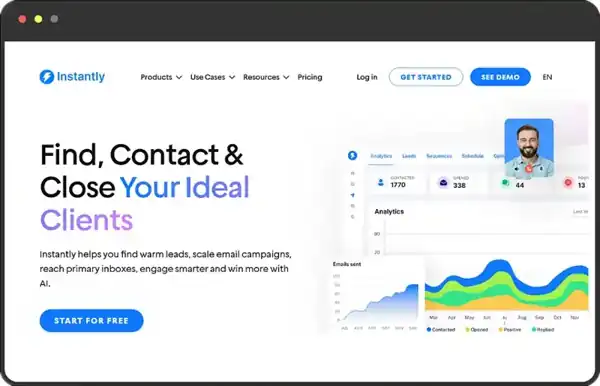
Instantly.ai boosts response rates through personalization, mailbox warming, and intelligent sending patterns.
✅ Professional Features:
- Auto-customize email openers using LinkedIn info
- “Warm-up” feature prevents spam flags
- A/B test messaging for data-driven optimization
Best for: founders, BD teams, growth hackers—start conversations with sincerity, not interruption.
The Real Productivity Revolution:
From “Using Tools” to “Building Workflows”
Using these tools individually saves time.
Connecting them together creates exponential productivity.
For example:
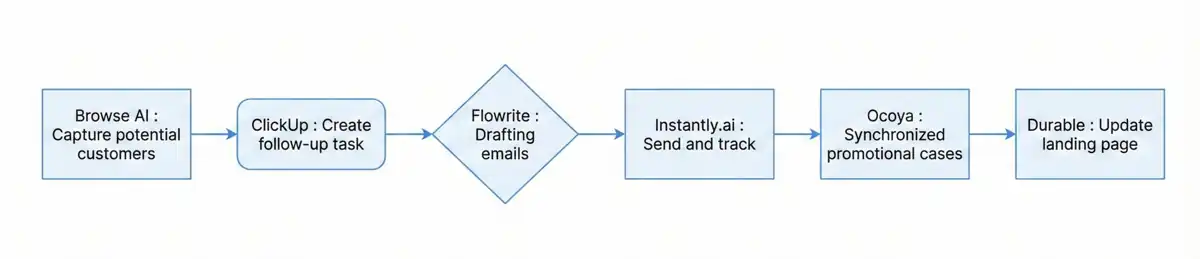
Once this pipeline is set up, a process that used to take three days now runs automatically every day—and all you handle are the high-intent replies.
Final Thoughts
AI won’t replace you.
But it will replace those who don’t use AI.
These tools aren’t magic—they’re leverage.
The right leverage gives you more time, more energy, and more possibilities.
Action Plan:
Pick one painful area this week (writing emails? research?).
Try the matching tool.
Two weeks from now, you’ll be surprised by the time you’ve gained back.
Join the Conversation
Have you used any AI tools that completely blew your mind?
Or want a deeper review of one of the tools mentioned above?
Share your thoughts in the comments!
And if you found this helpful, feel free to forward it to a friend who always says they’re “crazy busy.” 😊